Flux 3 · Infographics
Product Reference Sheet Workflow
Nano Banana Pro · Community examples. Results vary by model and settings.
Full prompt
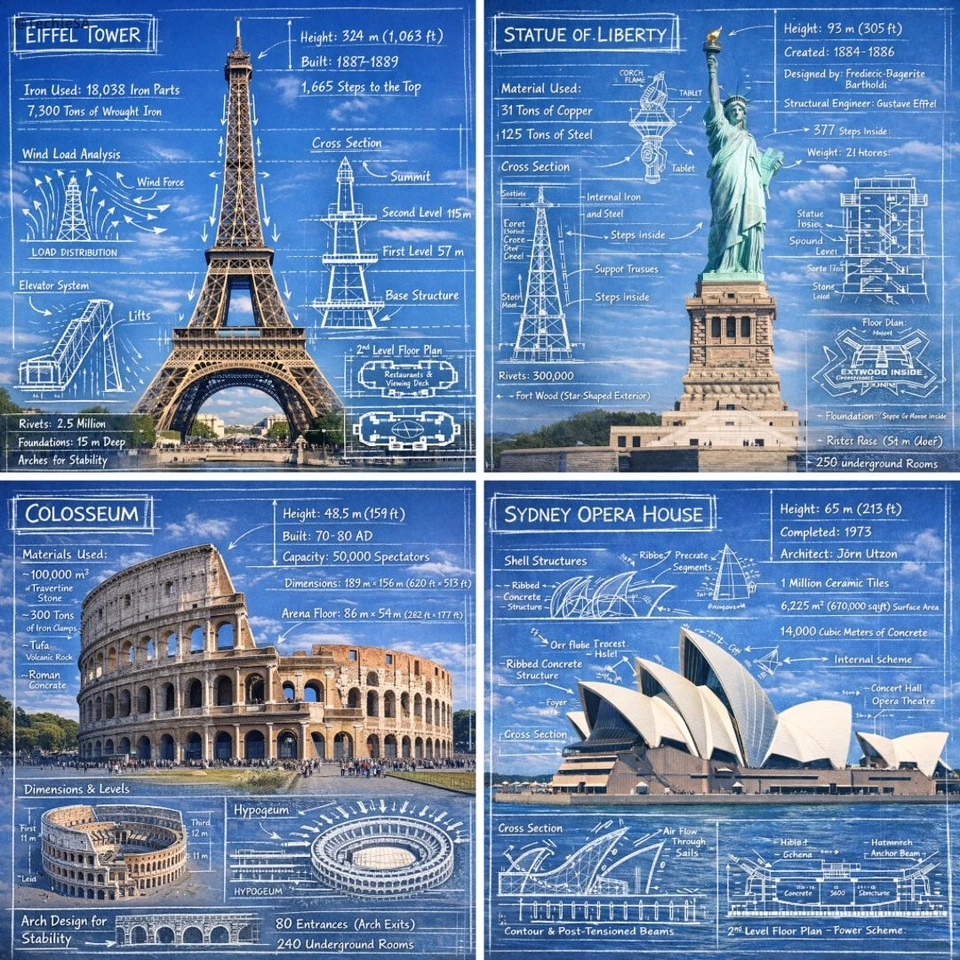
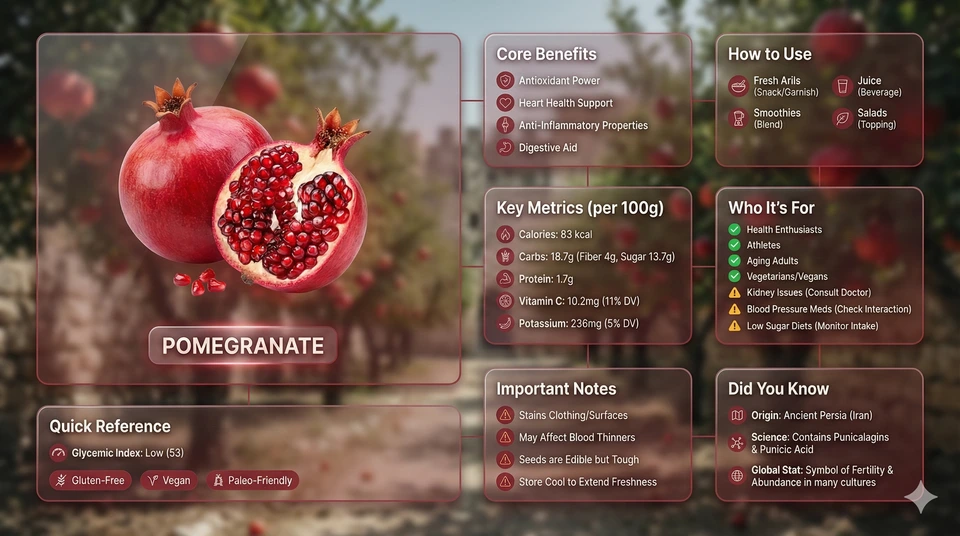
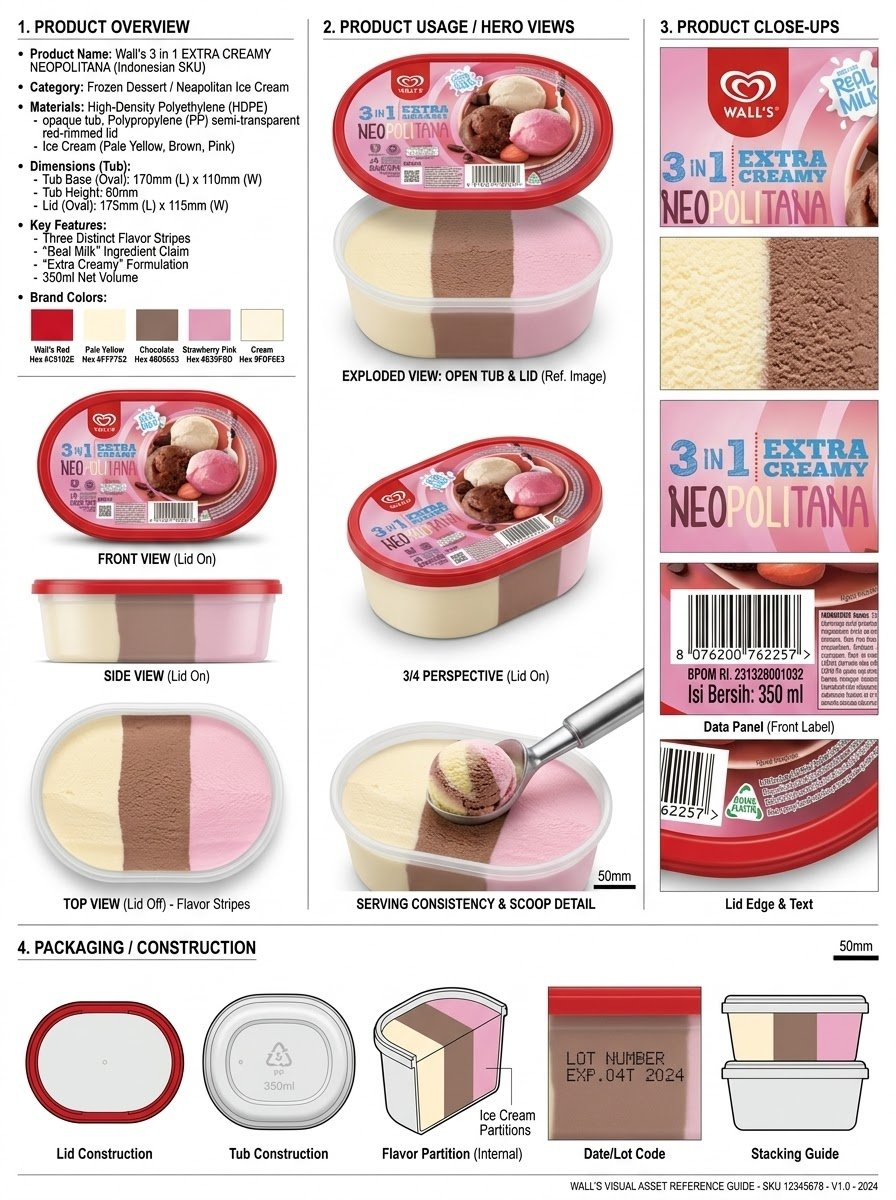
Analyze the product and create a high-resolution, photorealistic, professional advertising reference sheet containing these four sections, on a clean white/neutral studio background, premium commercial product photography, soft controlled lighting, realistic materials, sharp details, subtle shadows, and a professional editorial grid.
1. PRODUCT OVERVIEW; name, category, materials, dimensions/size, key features, and brand colors.
2. PRODUCT USAGE/HERO VIEWS - front, back, side, 3/4, and functional/use view where relevant.
3. PRODUCT CLOSE-UPS - logo/label, texture/material, key components, packaging details, and other important identifying features.
4. PACKAGING / CONSTRUCTION - relevant packaging or structural views where applicable.
The entire sheet must function as a visual continuity bible for AI image/video production. Every product view must depict the exact same physical product with absolute consistency. Do not redesign, add variants, alter branding, or change proportions. Use cean typography, clear section labels, thin dividers, balanced spacing, sophisticated production-design aesthetic.
Example: Olatunde AI · YouMind · CC BY 4.0. Original English wording from the linked collection; template fields use the supplied defaults. Titles and categories edited. Full-resolution image converted to lossless WebP; preview resized.